Workspace Lighting Architecture: Ambient, Task, and Accent Lighting Explained
Introduction to Workspace Lighting Architecture
When designing a home office or professional workspace, much attention is given to ergonomic chairs, standing desks, and high-performance computers. However, one of the most critical elements of a productive environment is often overlooked: lighting architecture. A well-designed workspace lighting system goes far beyond a simple overhead bulb or a standard desk lamp. It involves a strategic, multi-layered approach that minimizes eye strain, boosts productivity, and creates an inspiring atmosphere.
The concept of “lighting architecture” in a workspace revolves around the careful integration of three fundamental layers of light: Ambient, Task, and Accent lighting. When these three layers are harmoniously combined, they transform a dull, tiring room into a dynamic, comfortable, and aesthetically pleasing environment tailored for focus and creativity. In this comprehensive guide, we will explore each of these lighting layers, explaining their unique roles and how you can implement them to build the perfect workspace lighting architecture.
The Core Foundation: Ambient Lighting
What is Ambient Lighting?
Ambient lighting, also known as general lighting, serves as the foundation of your room’s illumination. It provides the overall baseline level of light, ensuring that you can safely navigate the space and that the room is comfortably visible. In a workspace context, ambient lighting should be diffuse, even, and glare-free. It mimics natural daylight and sets the fundamental tone of the room.
Without adequate ambient lighting, the contrast between your bright computer monitor and a dark room becomes too harsh, leading to significant eye fatigue, headaches, and a decrease in concentration over time.
Best Practices for Ambient Lighting
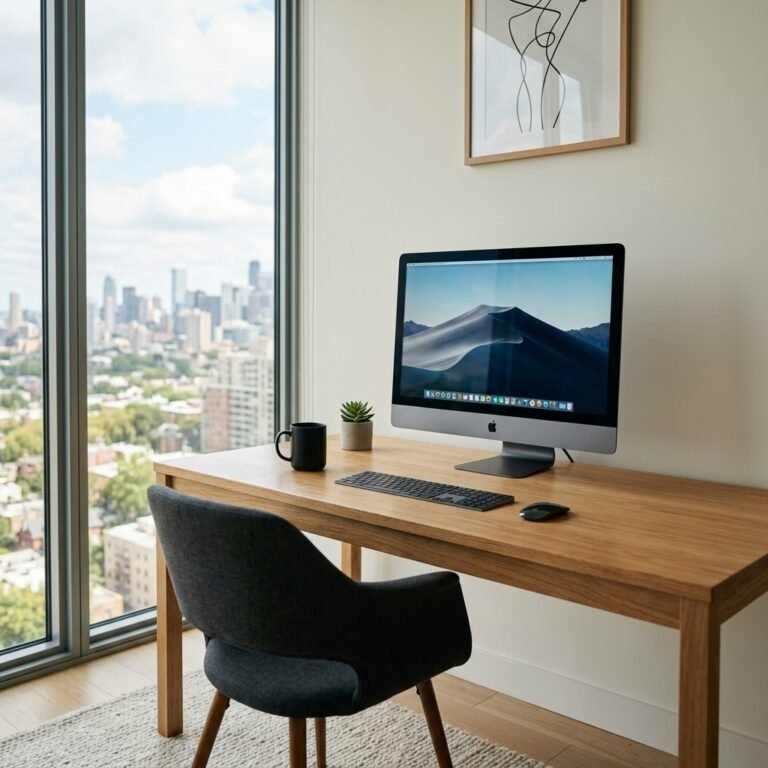
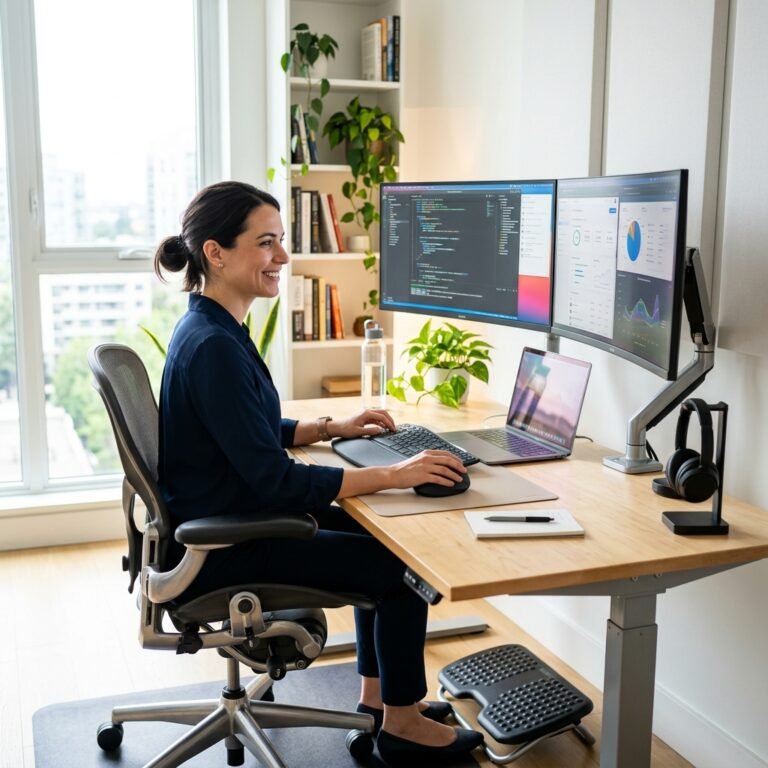
- Maximize Natural Light: The best ambient light comes from the sun. Position your desk perpendicular to windows to benefit from daylight without suffering from direct glare on your screen. Use sheer curtains or blinds to diffuse harsh sunlight.
- Indirect Overhead Fixtures: If relying on artificial light, opt for fixtures that bounce light off the ceiling and walls rather than shining directly downward. Flush mounts, semi-flush mounts, and pendant lights with diffusers are excellent choices.
- Color Temperature Matters: For a workspace, choose LED bulbs with a color temperature between 3500K and 4000K (neutral to cool white). This range mimics daylight, promoting alertness and reducing the sluggishness often associated with very warm, yellow light (2700K).
- Dimmers are Essential: Install dimmer switches for your ambient lights. This allows you to adjust the brightness based on the time of day, ensuring the contrast between the room and your screen is always balanced.
The Workhorse: Task Lighting
The Role of Task Lighting
While ambient lighting provides general visibility, task lighting is localized, focused illumination designed specifically to help you perform specific activities—like reading physical documents, sketching, writing, or assembling small parts. Task lighting should be significantly brighter than the ambient light but focused on a small area to prevent glare and shadows.
Effective task lighting prevents you from leaning in or straining your eyes to see fine details, thereby supporting better posture and reducing the risk of vision-related discomfort during long work sessions.
Selecting the Perfect Task Light
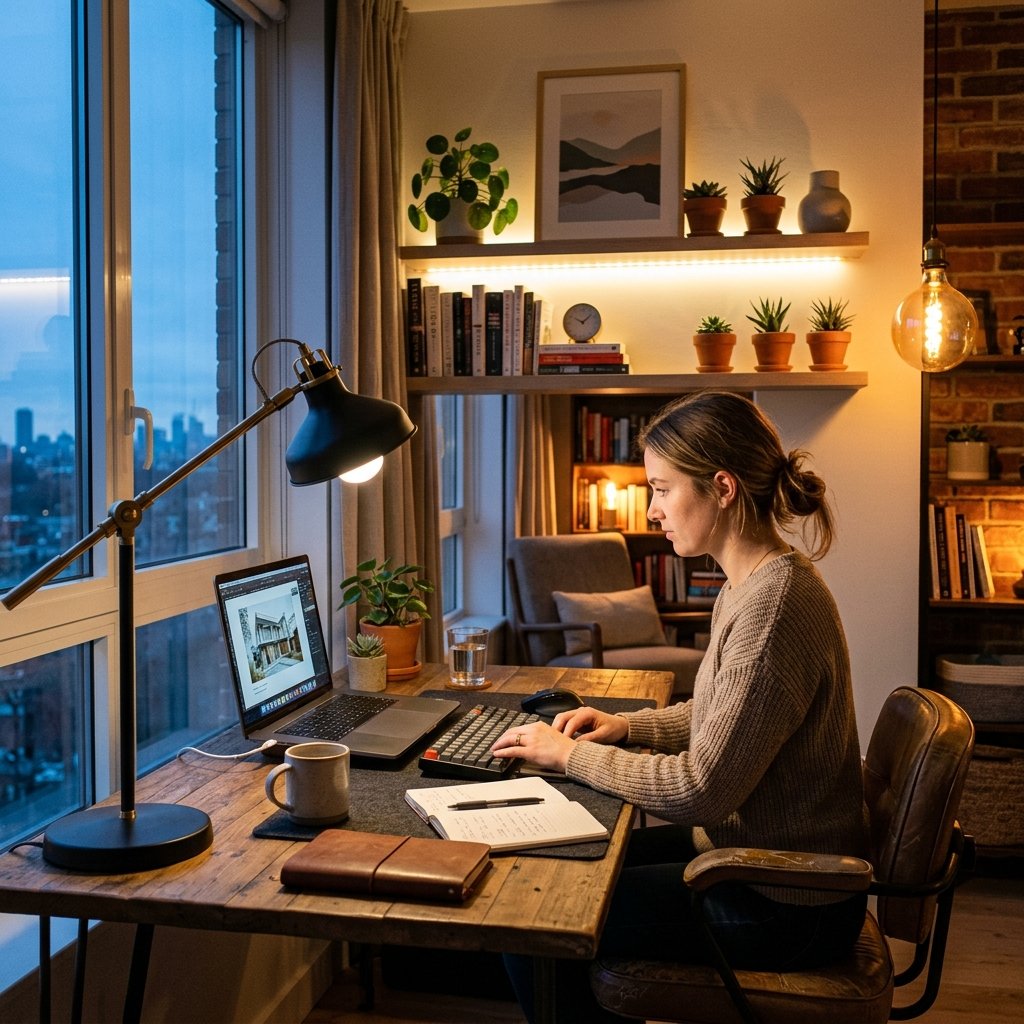
- Adjustability is Key: The ideal desk lamp has an adjustable arm (like an architect lamp) and a pivoting head. This flexibility allows you to direct the light exactly where it is needed and move it out of the way when it isn’t.
- Asymmetric Light Distribution: Look for task lights designed to cast light asymmetrically across the desk rather than directly downwards. This prevents the light from reflecting off glossy paper or your computer screen back into your eyes.
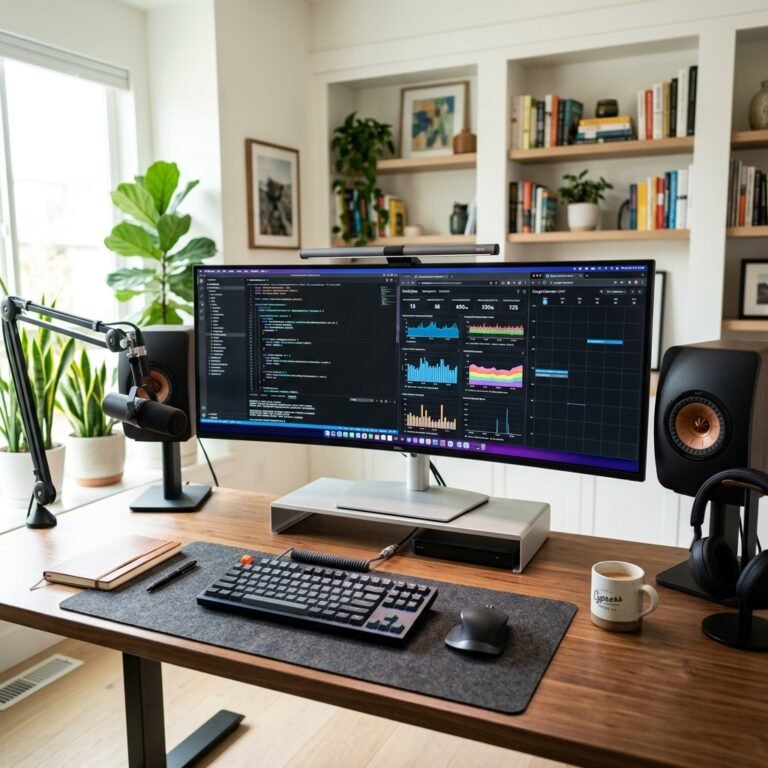
- Monitor Light Bars: A modern and highly effective solution for digital workers is the monitor light bar. It sits on top of your monitor and casts light downwards onto your desk without hitting the screen, saving desk space and completely eliminating screen glare.
- Brightness and Color Control: Many modern LED task lights offer adjustable brightness and color temperature. A slightly cooler temperature (4000K-5000K) is often preferred for intense focus and reading small print.
The Aesthetic Touch: Accent Lighting
Elevating Your Space
Accent lighting is the secret ingredient that transforms a purely functional workspace into a visually stunning and personalized environment. While ambient and task lighting are primarily functional, accent lighting is decorative. Its purpose is to draw attention to architectural features, artwork, plants, or specific design elements in your office.
By adding depth, shadow, and visual interest, accent lighting breaks up the monotony of a uniformly lit room. It creates a mood, inspires creativity, and can make your workspace feel more welcoming and less sterile.
Creative Ideas for Accent Lighting
- LED Strip Lights: Bias lighting—placing LED strips behind your monitor or desk—is a popular form of accent lighting. Not only does it look futuristic and sleek, but it also reduces eye strain by softening the contrast between the bright screen and the dark wall behind it.
- Bookshelf and Cabinet Lighting: Use small puck lights or recessed LED strips to illuminate bookshelves, display cabinets, or floating shelves. This highlights your books, awards, or collectibles.
- Uplighting Plants: If you have indoor plants in your office, placing a small spotlight at the base aiming upwards creates beautiful, dramatic shadows on the ceiling and walls, bringing a touch of nature indoors.
- Wall Sconces and Picture Lights: Use wall-mounted sconces or dedicated picture lights to highlight artwork or architectural textures on your walls. These fixtures add a touch of elegance and sophistication to a professional home office.
Integrating the Three Layers of Light
The Layering Technique
The true magic of workspace lighting architecture happens when all three layers work together seamlessly. The process is simple but highly effective:
- Start with Ambient: Establish your baseline. Adjust your blinds or overhead lights so the room is comfortably lit without being excessively bright.
- Add Task Lighting: Turn on your desk lamp or monitor light bar when you are actively working. Ensure the light covers your immediate work surface without causing screen glare.
- Finish with Accent: Turn on your LED strips, bookshelf lights, or plant spotlights to add depth and character to the room. This final layer makes the space uniquely yours.
Smart Lighting Solutions
To truly master your lighting architecture, consider investing in smart lighting systems (like Philips Hue, LIFX, or similar ecosystems). Smart bulbs and LED strips allow you to control all three layers of light from your smartphone or via voice commands. More importantly, you can create “scenes.”
For example, you could have a “Deep Focus” scene where ambient light is dim and cool, task lighting is bright, and accent lighting is turned off. Alternatively, a “Creative Brainstorming” scene might feature warmer ambient light and colorful accent lighting to stimulate ideas. The ability to dynamically change your lighting architecture to match your current task is a game-changer for productivity.
Conclusion
Designing the perfect workspace is about more than just furniture; it’s about creating an environment that supports your physical well-being and mental focus. By understanding and implementing the principles of lighting architecture—layering ambient, task, and accent lighting—you can create a workspace that is not only highly functional but also a joy to work in. Invest time in evaluating your current lighting setup, make the necessary adjustments, and watch your productivity and comfort soar.